
Lees de gids in het Nederlands
Przeczytaj przewodnik po polsku
A LoveGoBuy spreadsheet should let you return to a find and understand exactly what interested you. The most useful entry is not simply a picture and a low number. It connects a recognizable product with the option you want, the information still needed and the next decision you intend to make.
Use this collection as a starting point for comparing offers. Browsing a product is separate from ordering it, and a saved row is not confirmation of stock, payment or delivery.
Start with a product you can describe
Use the LoveGoBuy finds guide to turn a saved design into a shortlist with a specific fit, option or inspection question.
If your shortlist comes from several collections, use the LoveGoBuy spreadsheets comparison guide to reconcile duplicate offers without mixing their options, measurements or prices.
Choose a candidate by a feature you can check rather than a vague promise of quality. These two listings offer different starting questions:
| Candidate | Why you might inspect it | Information to check next |
|---|---|---|
| Charcoal collared polo on LoveGoBuy | You want a collared top to compare with one you already wear | Selected size, garment dimensions and stated material |
| Grey cargo trousers with white straps on LoveGoBuy | You want to compare a more detailed trouser design | Waist information, length and what belongs to the selected option |
The names identify the listings. Do not assume that two pieces form a bundle or that their size labels are equivalent.
Keep the option attached to the address
If you move from a collection to a mobile workflow, read the LoveGoBuy app guide to distinguish opening an item from preserving its option or submitting an order.
The spreadsheet links guide explains how to compare a saved address with the destination and option that actually open.
When saving the polo, write down the particular size or colour you intend to inspect. If an offer opens with a different default selection later, you can compare it with your note instead of accidentally continuing with the default.
For the cargo trousers, keep the selected offer separate from a visually similar pair found elsewhere. A shared image or a matching title may be a reason to compare two entries, but it is not enough to merge their prices, dimensions or seller conditions.
A product address tells you where to look. Your option note tells you what you were looking for. Both are needed when revisiting a shortlist after several days.
Make the missing answer specific
“Need more information” is difficult to act on. “Need the measurement method for the listed waist” or “need confirmation that this option includes the straps shown” gives you a concrete next question.
Do not turn the absence of an answer into a positive rating. If the dimensions do not let you compare the garment, leave the purchase undecided. A visually appealing listing can remain a browsing idea without becoming an order.
The LoveGoBuy spreadsheet guide follows an item from that unresolved question into purchase and parcel checks.
Separate alternatives from the planned purchase
Two polos saved for comparison are not necessarily two polos to buy. Mark which items are alternatives before estimating the cost of a parcel. Otherwise, a browsing list can quietly become a shopping total that includes every competing option.
An illustrative shortlist might contain the charcoal polo, another top you already own and the cargo trousers. Comparing the new polo with your existing garment can settle a measurement question without creating another purchase. The trousers require their own decision rather than automatic inclusion because they appeared nearby.
Read an amount with its context
Keep the currency, selected option and date beside any amount you note. Before paying, use the amount presented for the actual transaction. A copied price is not a reservation, and a product amount is not automatically the delivered total.
If the offer changes, update the relevant entry rather than carrying the old figure into a new calculation. Keep product costs distinct from later parcel charges and any optional services you actually select.
Know what a spreadsheet cannot prove
If you ask other buyers for help, the LoveGoBuy Discord discussion guide explains how to frame a product question and keep private order information out of the conversation.
A row cannot establish how fabric feels, whether a product lasts or what will happen if a parcel is delayed. It can organize the questions and point to the relevant offer; it cannot replace product information, applicable terms or your own transaction records.
The same distinction applies to photographs. Listing images help identify a design. Photos of a received item concern that item and option. Neither should be relabelled as your own experience when it is not.
Is this an order-management account?
No. Product discovery and comparison do not show the private status of a purchase. Keep account and payment details out of a shared product list.
Should I save every interesting product?
You can keep ideas separately, but your active shortlist should make clear which choices you are actually considering. More rows do not automatically make a better decision.
What should I do when a saved product looks different?
Compare the address, title and selected option with your note. Resolve the mismatch before using the old measurements or price.
Inspect the charcoal polo's current offer on LoveGoBuy
For lower-body clothing, use the pants and shorts comparison guide to separate waist, rise, leg length and design details before choosing an option.
LoveGoBuy Spreadsheet 2026
Text search works best when you know a product type, model, color or design detail. Use a short phrase, review the returned images and narrow the result with a Style only when it helps. If you have a photo but no useful wording, choose Search by image. A clear crop with the item filling most of the frame usually gives the search more useful visual detail.
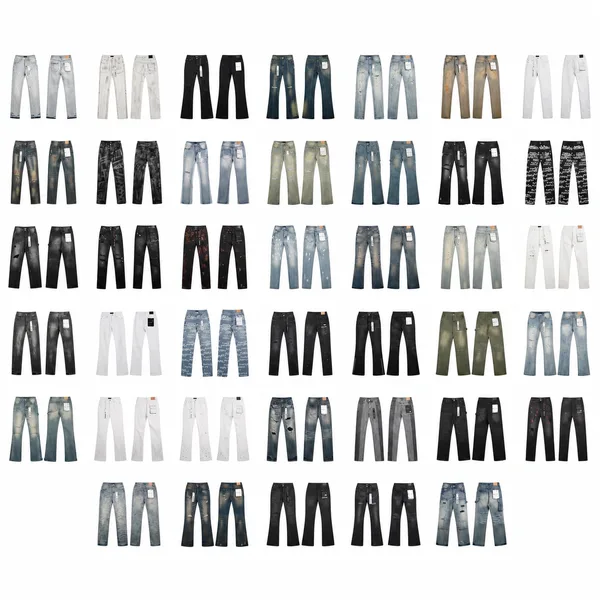
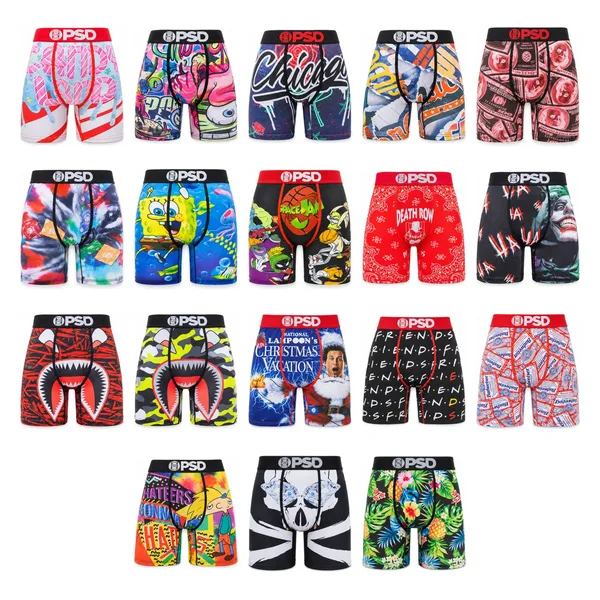
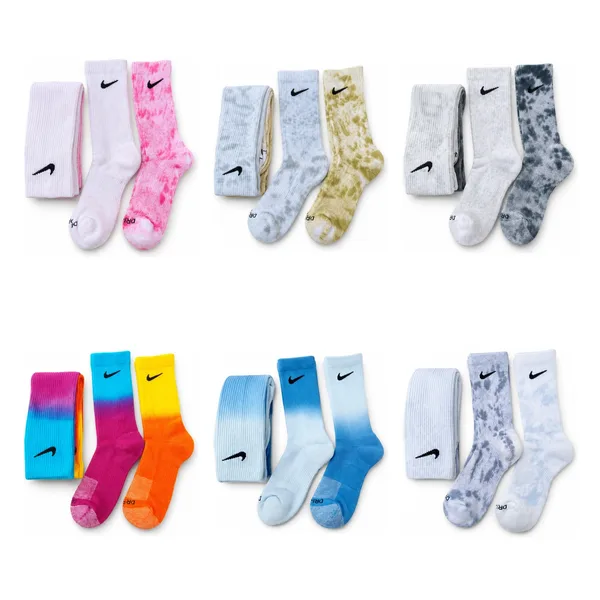
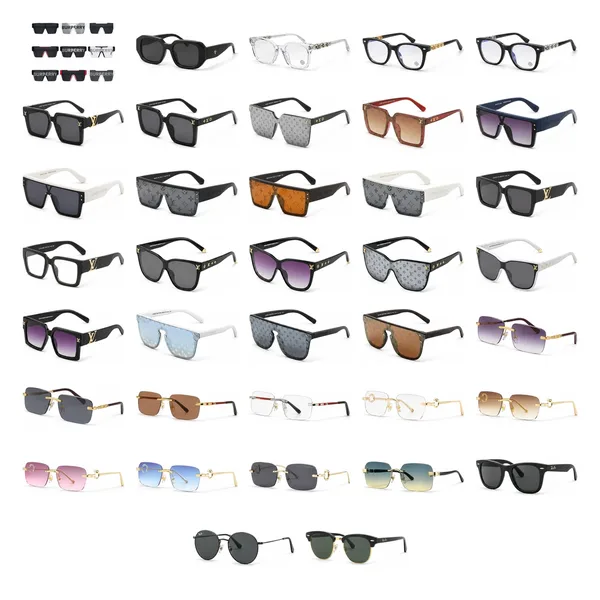
The homepage provides eleven direct Style entrances: Shoes, Hoodies/Sweaters, T-Shirts, Jackets, Pants/Shorts, Headwear, Sets, underwear/underpants, Jersey, Accessories and Other Stuff. Each button opens its own catalog page. When a Style has narrower groups, its Subcategories appear after the page opens.
Shipping depends on destination, packed weight, dimensions, route rules and current operating conditions. Use the LoveGoBuy shipping guide to prepare those inputs and the shipping cost guide before comparing live options.
New visitors can begin with the LoveGoBuy spreadsheet guide. Readers comparing catalog quality can use the best LoveGoBuy spreadsheet checklist and the LoveGoBuy spreadsheet review. If an older saved route has changed, follow the steps in LoveGoBuy spreadsheet links. Account and parcel checks are covered by Is the LoveGoBuy spreadsheet safe?, QC photos and tracking.
Local-language guides make destination-specific questions easier to follow without turning regional interest into customer counts. Start with France, Belgium, Poland, Spain or Saudi Arabia. Each guide connects product search with QC, packed measurements and the shipping inputs that must be checked again for the actual parcel.
LoveGoBuy Finds: Search Visually and Compare Carefully
Read the guide for a step-by-step workflow and best LoveGoBuy spreadsheet for catalog quality checks.
LoveGoBuy Finds: Turn a Saved Look into a Shortlist You Can Use
| Find | Visible design reference | Question to resolve before choosing |
|---|---|---|
| Charcoal collared polo on LoveGoBuy | A collared top in a dark grey colour description | Which measurements and option match the fit you want? |
| Grey cargo trousers with white straps on LoveGoBuy | A trouser design with pockets and contrasting straps | How are waist and length defined for the selected size? |
Use them to inspect an offer, not as proof of stock, authenticity or garment performance. They are separate listings rather than a confirmed matching set.
A short reason makes a find easier to assess later. “Collared top to compare with my current polo” gives you a useful next step. “Looks good” does not explain whether you wanted the colour, length or general styling.
Use a public product destination and a recognizable description. A screenshot may preserve the design but omit the option or source. A search result can help rediscover a candidate, yet its position is not a stable product identifier.
The spreadsheet links guide explains how to compare the destination and option. When several collections repeat the same item, the multiple-spreadsheets guide helps prevent duplicate rows from becoming apparently independent recommendations.
Choose a garment you own as a reference for the fit you want. Check whether the candidate's table describes body measurements or garment dimensions and whether the units and measuring points align.
For a polo, length and flat width may be relevant to the proportions you want. For trousers, distinguish the inseam from the outside length and understand how the waist is measured. Do not guess missing dimensions from a model photograph.
The size guide provides a method for comparing like with like. A familiar size letter alone is not a substitute for that comparison.
If a detail matters, identify the view needed to see it. A close-up of a strap attachment answers a different question from a full-length photograph of trousers. A readable measurement needs its endpoints and units, not just a ruler somewhere in the frame.
These are suggested inspection questions, not observations of defects on the linked products. The QC guide explains how to make a request specific. Confirm the applicable service conditions rather than assuming that every additional check is included.
Keep other buyers' images in their proper context. They concern the photographed item and option, not automatically the specimen in your order. A product title also does not establish material performance or long-term durability.
Recheck the selected colour, size, quantity and currency when opening the offer again. A lower number attached to another option is not necessarily a better price for your selection.
A promotion should not decide the product question for you. The coupon guide explains why adding an unwanted item to reach a threshold can increase your final spend despite a visible reduction.
When you are ready to move beyond selection, use the purchase guide. Discovery, order confirmation, inspection and shipment remain distinct steps.
Popularity may help you locate discussions. It does not itself establish a product test, the origin of repeated images or the suitability of a size for you.
Inspect the charcoal polo's options on LoveGoBuy
View the grey cargo design on LoveGoBuy
Return to LoveGoBuy Spreadsheet
LoveGoBuy Spreadsheets: Combine Finds Without Losing the Original Offer
Using several LoveGoBuy spreadsheets can widen your search, but it also creates a practical problem: the same garment may appear under different names, with different prices or old links. Combining those rows without checking them can turn a useful shortlist into a collection of conflicting information.
One collection might help you explore categories; another might contain a particular design you want to revisit. You do not have to adopt every row from either. Start with a purchase question such as finding a collared top of a suitable length, then bring only relevant candidates into your comparison.
The charcoal polo on LoveGoBuy is a concrete listing you can inspect for that kind of choice. The grey cargo trousers with white straps serve a different clothing need. These are product references.
A source collection tells you where you encountered a candidate. Your own note should tell you what you are considering now. Preserve a recognizable description and the public product address, then record your intended option independently.
| Keep with the candidate | Why it matters |
|---|---|
| Collection name and date you consulted it | You can return to the context of the recommendation |
| Public product destination | A screenshot or row number alone may not recover the offer |
| Intended colour, size and quantity | The same address can contain several options |
| Currency and option behind a saved amount | Two bare numbers are not a price comparison |
| Measurement source and method | Similar-looking garments can have different sizing information |
| Decision or unresolved question | You know why the candidate remains on your shortlist |
Consider this illustrative case: collection A describes a grey cargo trouser, while collection B describes a grey trouser with white straps. If both open the same product page and refer to the same option, keep one active candidate with both discovery references. Do not count the repeated row as a second independent recommendation or a second purchasing alternative.
If the pages differ, keep them separate until you understand the differences. Do not take the lower price from one and the more convenient measurements from the other to create an offer that neither page actually makes.
The spreadsheet links guide explains how to recheck a destination and its options. Use that check whenever a saved page looks different from your note.
A collection can record an amount for a different size, quantity or date. Before describing one row as cheaper, establish that the comparison concerns equivalent selections and the same currency. Reopen the offer when the price matters to your decision.
An older amount may explain why a candidate was originally saved. It is not a reservation, and a new year in a collection's title does not date every individual entry. Retain the observation as historical rather than silently labelling it current.
Separate product amounts from parcel costs. The titles of the polo and cargo listings do not establish their packed weights or the dimensions of a combined shipment. Use the shipping guide when the actual parcel composition is known.
The same photo appearing in several spreadsheets is still the same photo. It does not demonstrate several purchases or inspections. A commercial image identifies the advertised design; an inspection photograph concerns the photographed item and option.
If a collection includes a measurement image, check whether the garment, units and endpoints match the claim. Do not copy a number into a different product's sizing note just because both pieces look similar. The size guide helps distinguish garment dimensions from body measurements.
For the cargo reference, a close-up of a strap attachment would answer a different question from a waist measurement. These are suggested checks, not defects or measurements observed on that item. Consult the QC guide for making a precise image request.
An older collection can preserve a design description or the context of a past recommendation. It may also contain a destination or option that has changed. Keep useful context, but verify the current offer before taking action.
If you find a replacement, save it as a new candidate. Do not replace the old link while leaving the old review, measurements and price attached to it. That would make information about one offer appear to describe another.
A link that temporarily fails is not automatically a deleted product. Note what happened and distinguish an access problem from a page that visibly describes something different. Avoid guessing product identifiers to manufacture a replacement address.
Once the differences are resolved, classify each candidate as selected, rejected or awaiting a specific answer. Add a short reason. A note such as “length does not match the reference garment” will remain useful when you return later; an unexplained star rating may not.
Use the best-spreadsheet comparison criteria to decide which collections help this process. Then follow the purchase guide rather than assuming that organizing links has completed the ordering, inspection or shipping stages.